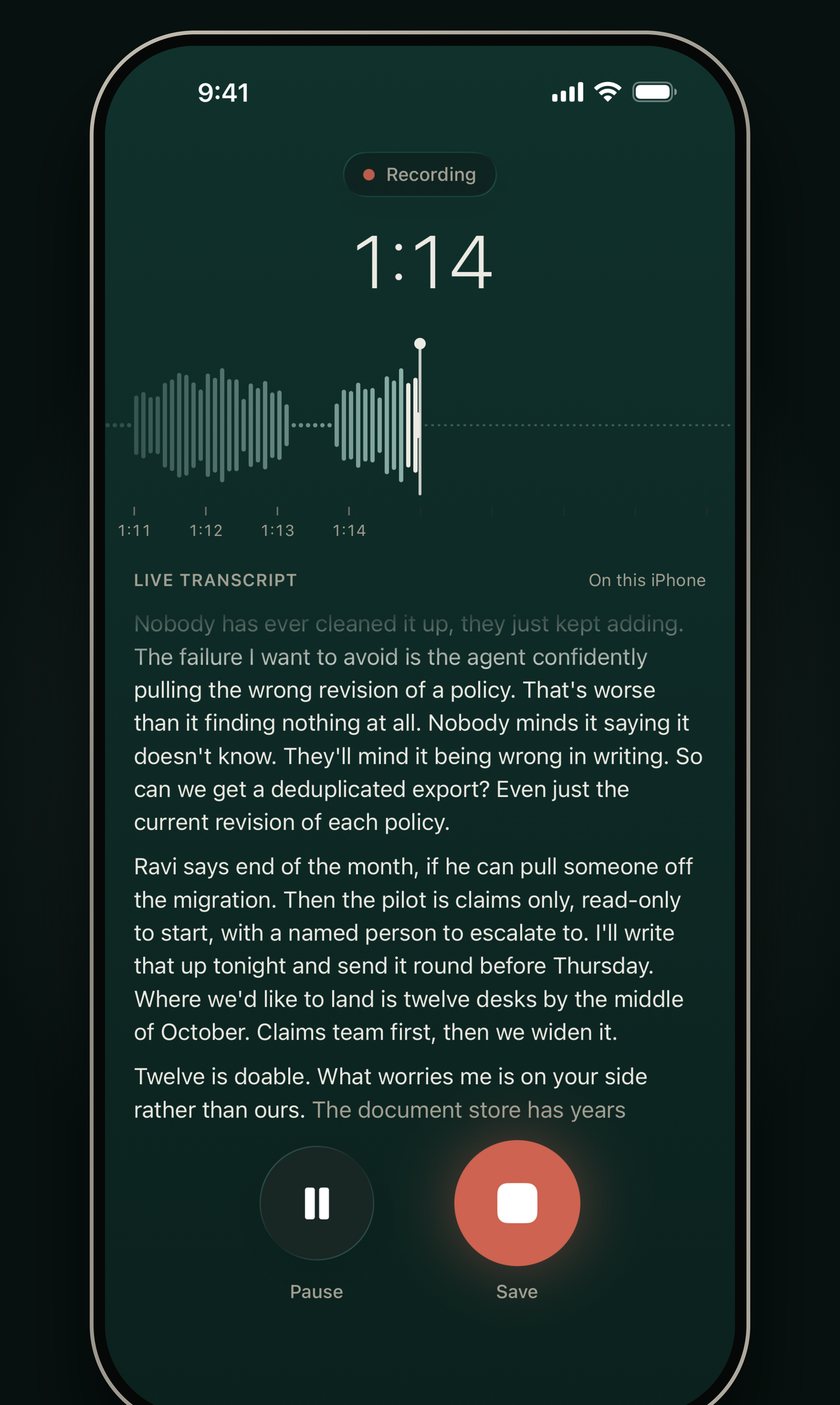
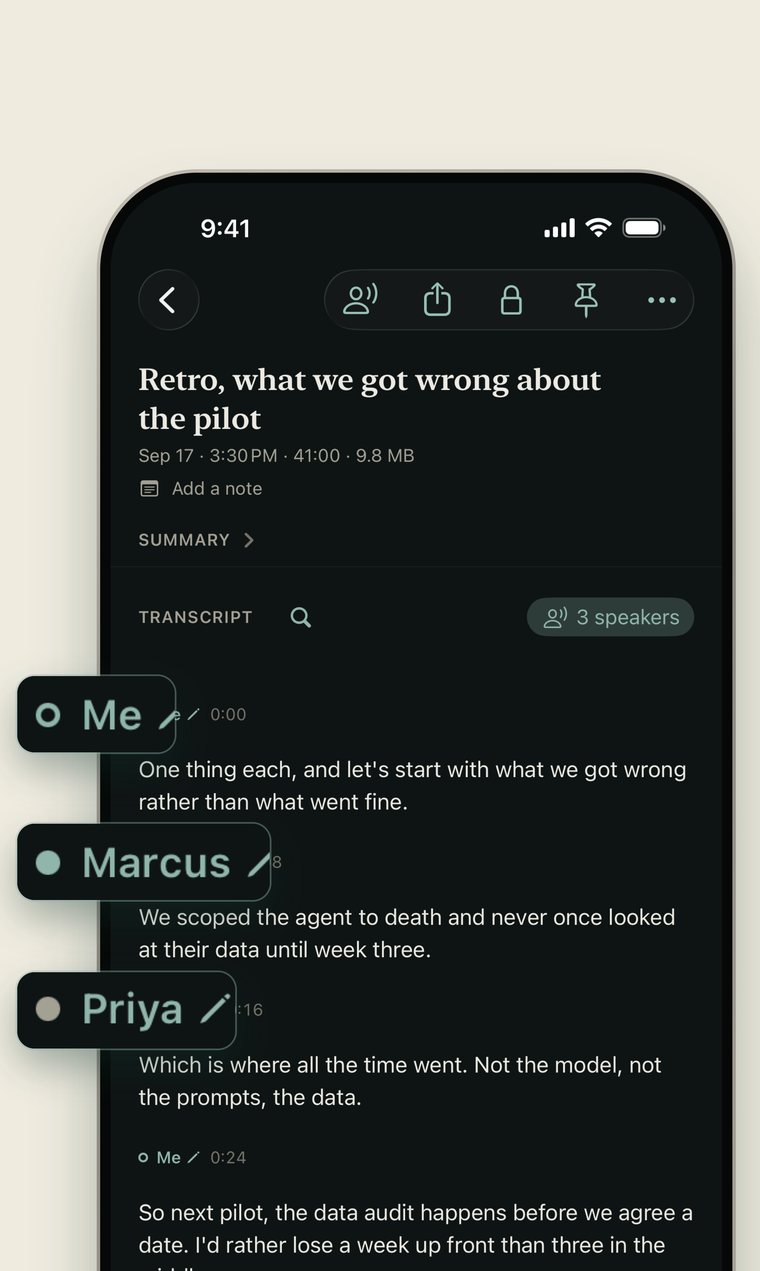
Speaker labels
You can see who said what
Turn on speaker labels and YapVault separates the voices. Name each person once and the transcript reads like a script instead of a wall of text.
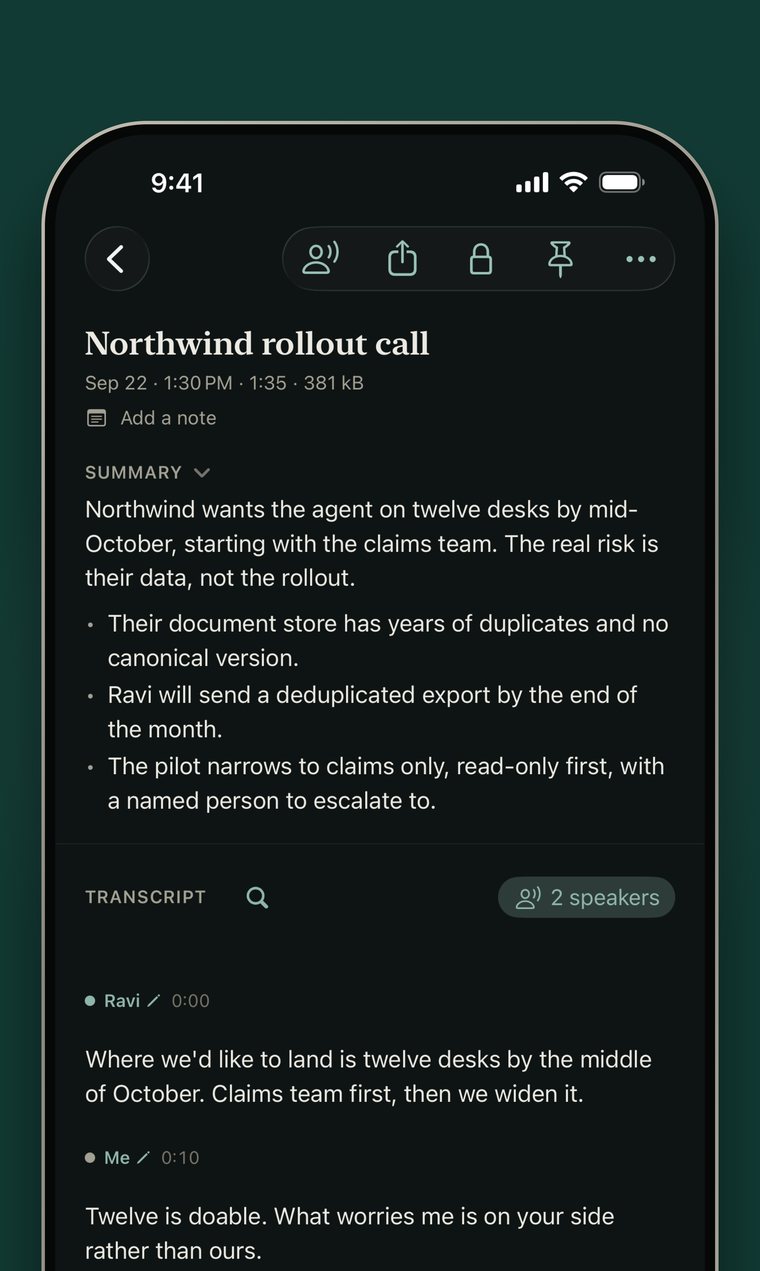
Titles & summaries
It summarizes what you say
On iPhones with Apple Intelligence, every recording gets a real name and a plain summary, written the moment the transcript finishes.
Needs an iPhone that supports Apple Intelligence. Everything else works on any iPhone running iOS 26.
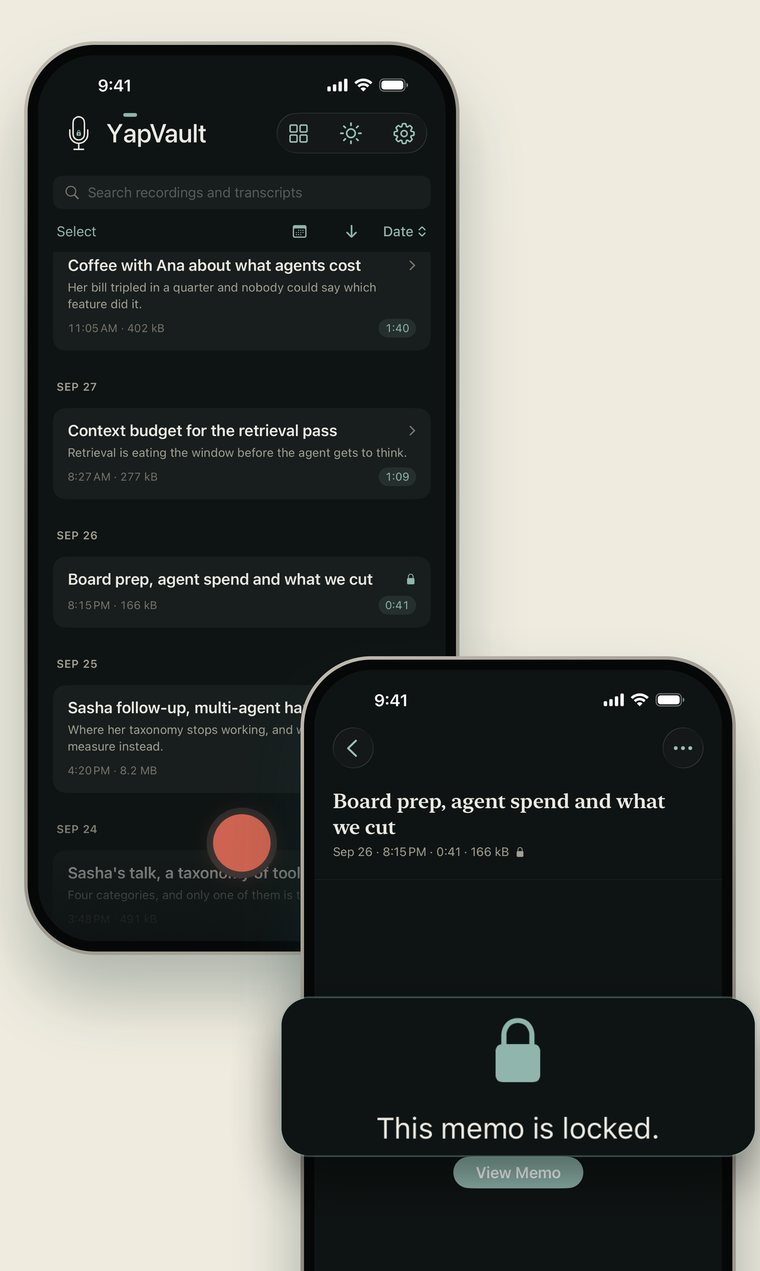
Face ID
Lock one memo, not the app
Put Face ID on the single recording you’d rather nobody opened. A locked memo drops out of the library and out of search until you unlock it.
Storage
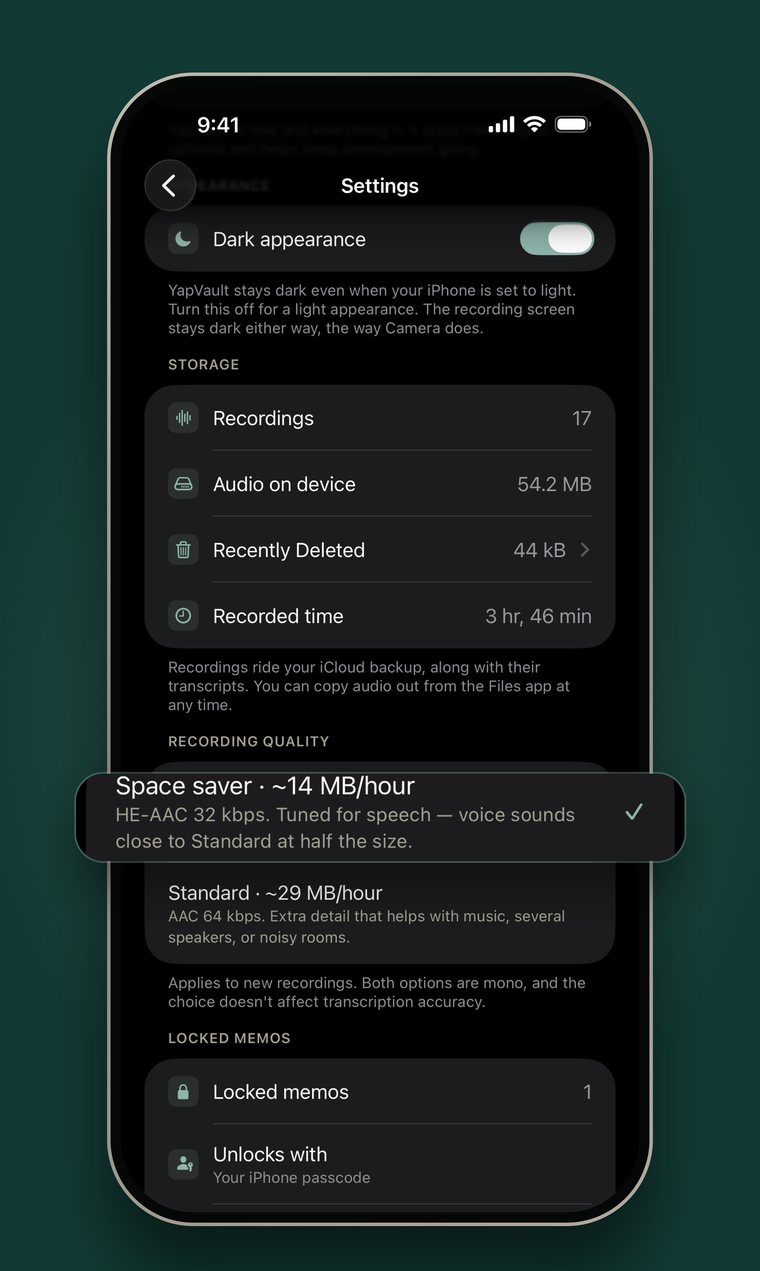
An hour of audio. 14 MB.
Speech-tuned encoding, not a quality compromise. Voices sound the same and the files are half as heavy, so you can record all day without watching your storage drain.
Search
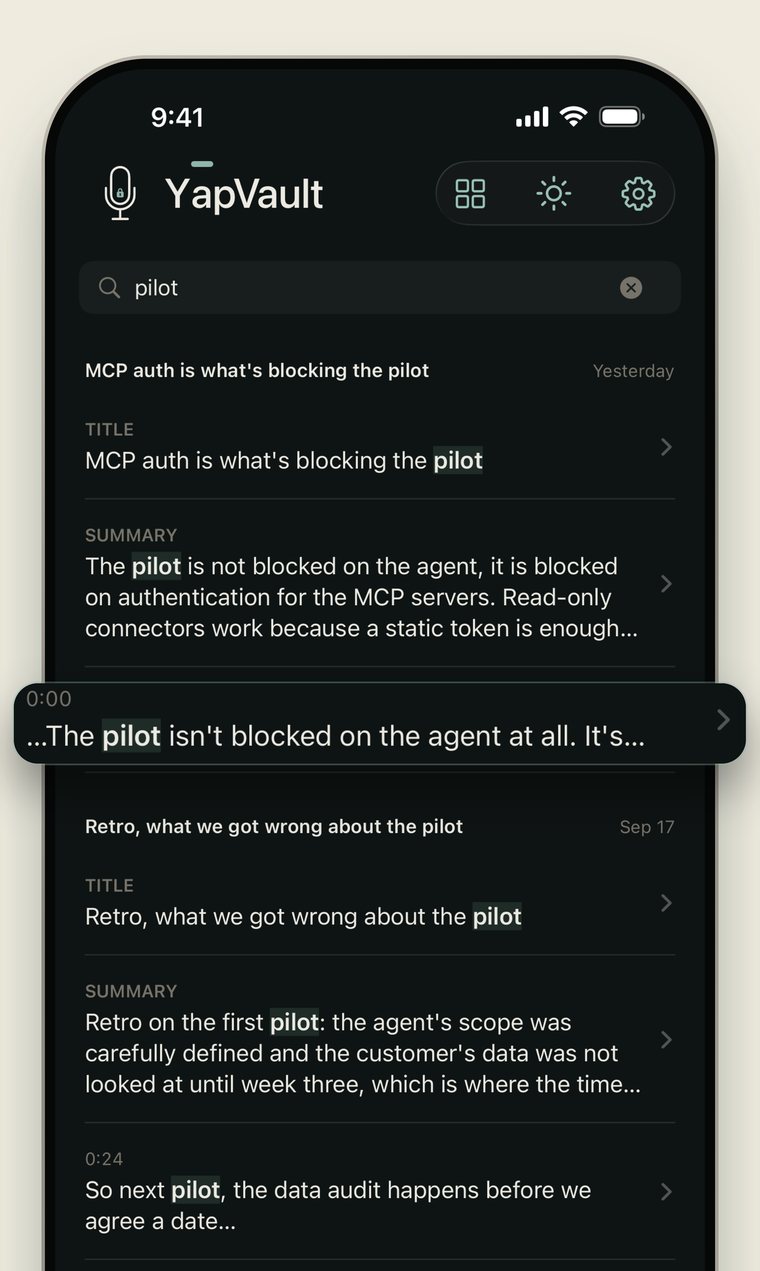
Find the exact moment
Full-text search across transcripts, titles, and notes, run on your iPhone. Tap a result and playback jumps straight to that moment in the audio.
Word correction
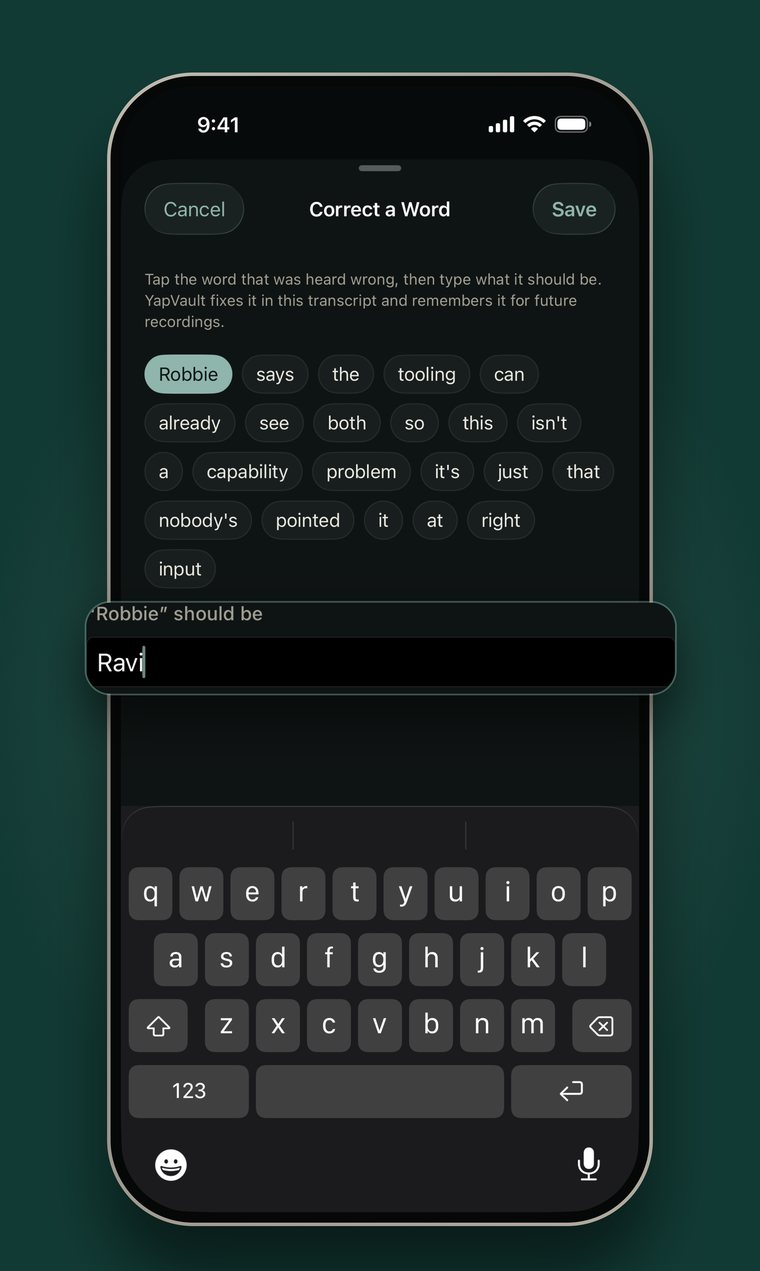
Fix a misheard word once
Tap the wrong word and type the right one. Every new recording gets that name, product, or piece of jargon right.
Your audio stays on your iPhone
There is no YapVault server for it to go to — no account, no analytics, no tracking, and a privacy manifest that declares no collected data of any kind. Recording, transcription, speaker labels, and search all run on your iPhone. The only traffic is Apple’s own: the one-time speech-model download and the App Store if you leave a tip.
The one exception is summaries. Where Apple offers Private Cloud Compute, the option is on by default: the text of a transcript, never the audio, goes to Apple to be summarized, and Apple does not retain it. Switch off “Summarize in Apple’s Private Cloud” in Settings and every summary is written on your iPhone.
Questions
Does anything leave my phone?+
Your audio never does. Recording, transcription, speaker labels, and search all run on the device, there is no YapVault server, and the privacy manifest declares no collected data of any kind. The only network traffic belongs to Apple: the one-time speech-model download, the App Store if you leave a tip, and, where Apple offers it and you haven’t turned it off, transcript text sent to Apple’s Private Cloud Compute to be summarized and not retained.
Do I need an internet connection?+
Only once, for the first speech-model download. After that recording, transcription, and search work fully offline, and so do summaries when they run on the device. The Apple Private Cloud summary option, where it’s available, needs a connection and falls back to on-device when there isn’t one.
What do titles and summaries require?+
An iPhone that supports Apple Intelligence. Everything else works on any iPhone running iOS 26.
Can I get my recordings out?+
Yes. Audio sits in the Files app as ordinary .m4a, and every transcript exports as Markdown or JSON. No proprietary library, no lock-in.
What does it cost?+
Nothing. No paywall, no subscription, no ads. There's an optional tip jar in Settings.
The whole app is free.
No paywall and no ads. If it earns a place on your home screen there’s a tip jar in Settings — it unlocks nothing, because there is nothing left to unlock.
Get it on the App Store